MdlWr Rebranding Guide
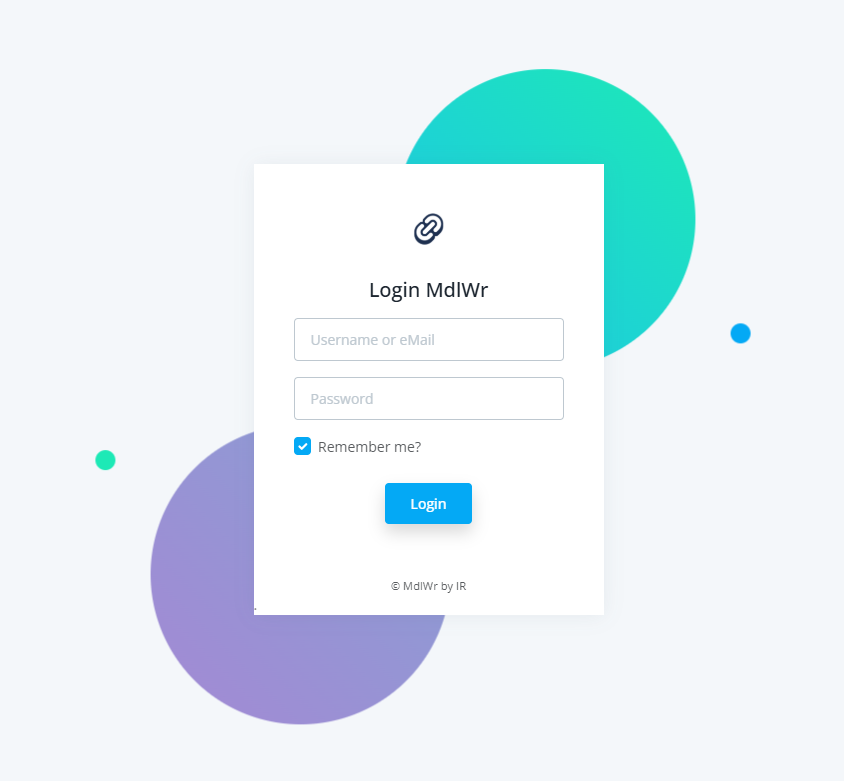
This guide explains how to customize the branding for your MdlWr deployment. You can easily change the application name, logo, favicon, and login background by placing custom files in the designated directory and updating your environment configuration.
1. Directory Setup
All custom branding files must be placed on the host machine within the apps/static/custom/ directory, which is mapped to your container.
Host Path:
{MDLWR_BASE}/apps/static/custom/
Replace {MDLWR_BASE} with your actual deployment path (e.g., /opt/mdlwr).
2. Configuration (.env)
Update your .env file with the parameters below. If you comment out a line or leave the value empty, the application will revert to the default system values.
# --- Rebranding Configuration ---

# The display name of the application
APP_NAME=MdlWr

# Path to the main application logo (e.g., in navbar, header) use 192 x 192 px image for best result
APP_LOGO=/static/custom/Middelware_icon.png

# Path to the browser tab icon
APP_FAVICON=/static/custom/Middelware_icon.ico

# Path to the background image for the login page. The image will be streach out based on it width
LOGIN_BG_IMAGE=/static/custom/traffic-control.png
3. Implementation Steps
- Place Assets: Upload or move your custom image files to the host directory:
-
Update Config: Open your .env file and ensure the filenames match exactly with the files you placed in the folder.
-
Apply Changes*: Restart your containers to apply the new volume mapping and configuration:
- Clear Cache: Open your browser and perform a Hard Refresh (
Ctrl + F5 or Cmd + Shift + R) to ensure the browser loads the new images and ignores the old cached versions.
Troubleshooting
-
Image not showing? Check if the file permissions on the host directory allow reading (chmod 644).
-
Still seeing old logo? Ensure your docker-compose.yml has the following volume mapping for the app service: